Youtube Source
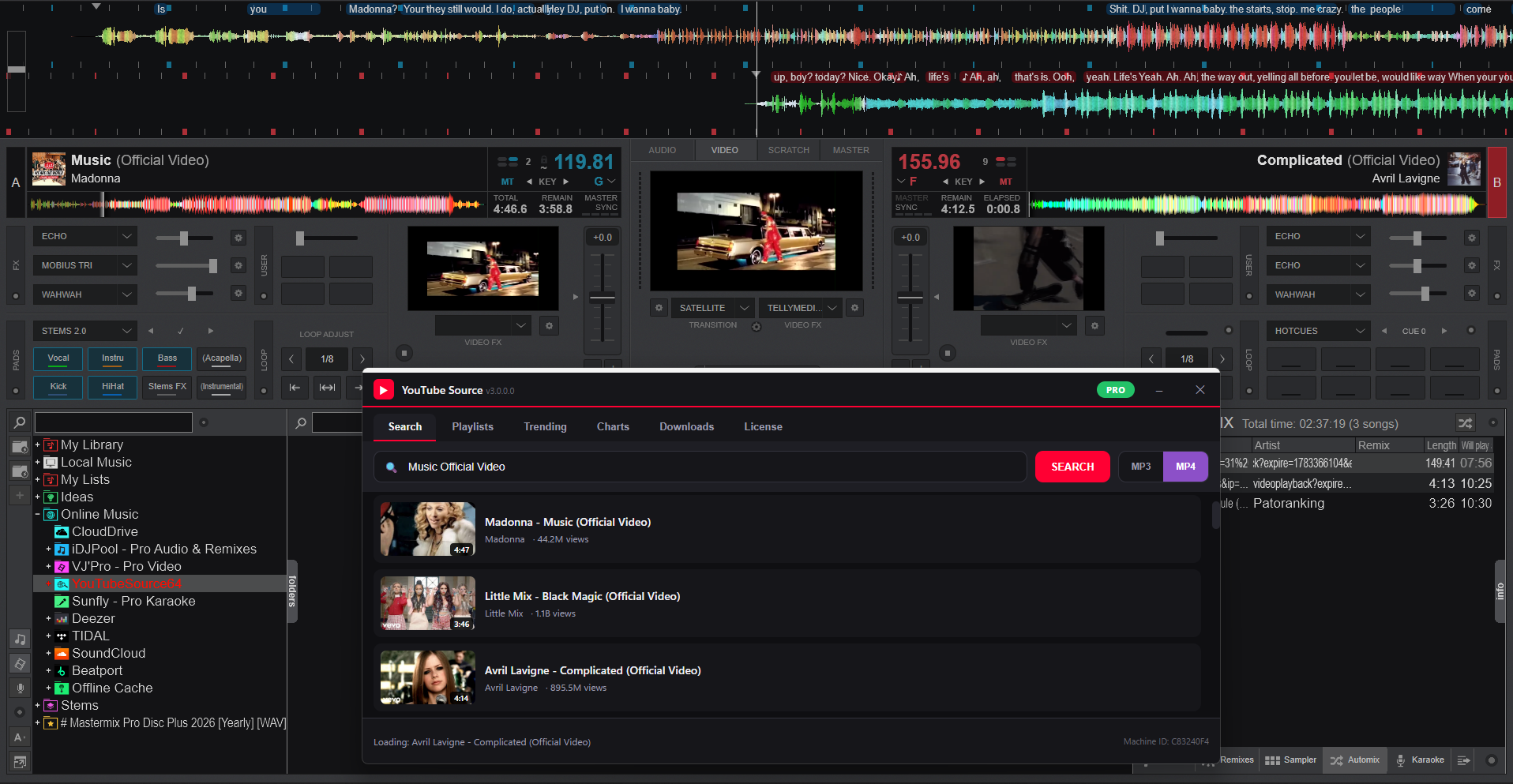
**YouTube Source** is a professional Online Source plugin for VirtualDJ that brings the entire YouTube music library straight into your DJ software. Search by name, browse results, download as MP3 or MP4, and load tracks directly onto your decks — all without leaving VirtualDJ.
Designed for professional DJs who need access to a massive music catalogue on the fly.
vv3.0.0.31 Windows |
Version
35
Downloads
20
Sales

### Search & Browse
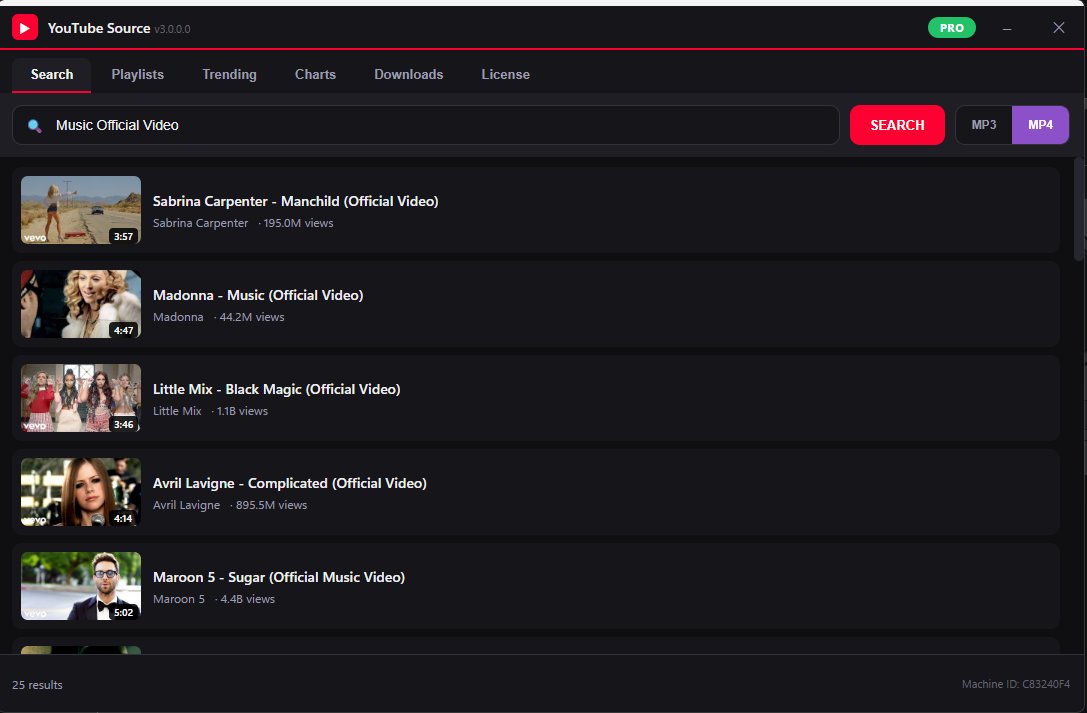
- **Live YouTube Search** — search by song name, artist, or any keyword directly from the VirtualDJ browser
- **Advanced Search Window** — full-featured search dialog with results list showing title, channel, duration, and view count
- **Right-click context menu** — load to deck, add to automix sidetrack, or queue directly from search results
### Download & Caching
- **MP3 mode** — downloads audio-only, fast and compact
- **MP4 mode** — downloads full video+audio for video DJ setups
- **Format toggle button** — switch between MP3 and MP4 with one click
- **Smart caching** — downloaded tracks are saved locally so they load instantly next time
- **Visual download indicators** — results show blue note icon (MP3 cached) or purple play icon (MP4 cached), with green text on title/channel/duration when downloaded
- **Real-time progress** — status bar shows download progress and separate MP3/MP4 cached counts
- **12-hour cache cleanup** — old files are automatically removed to save disk space
### VirtualDJ Integration
- **Native Online Source** — appears in the VirtualDJ browser sidebar like any other source
- **Load to Deck** — double-click or right-click → Load to load a track onto any deck
- **Automix / Sidetrack** — add results directly to the automix queue
- **Format memory** — remembers your last used format (MP3 or MP4) between sessions
- **Open in Browser** — right-click any track to open the YouTube page
Windows Verison
-can now import Spotify Playlists to downloader
v3.0.0.31 Windows | MAC v3.0.0.0
NOW WORKS ON A MAC'OS
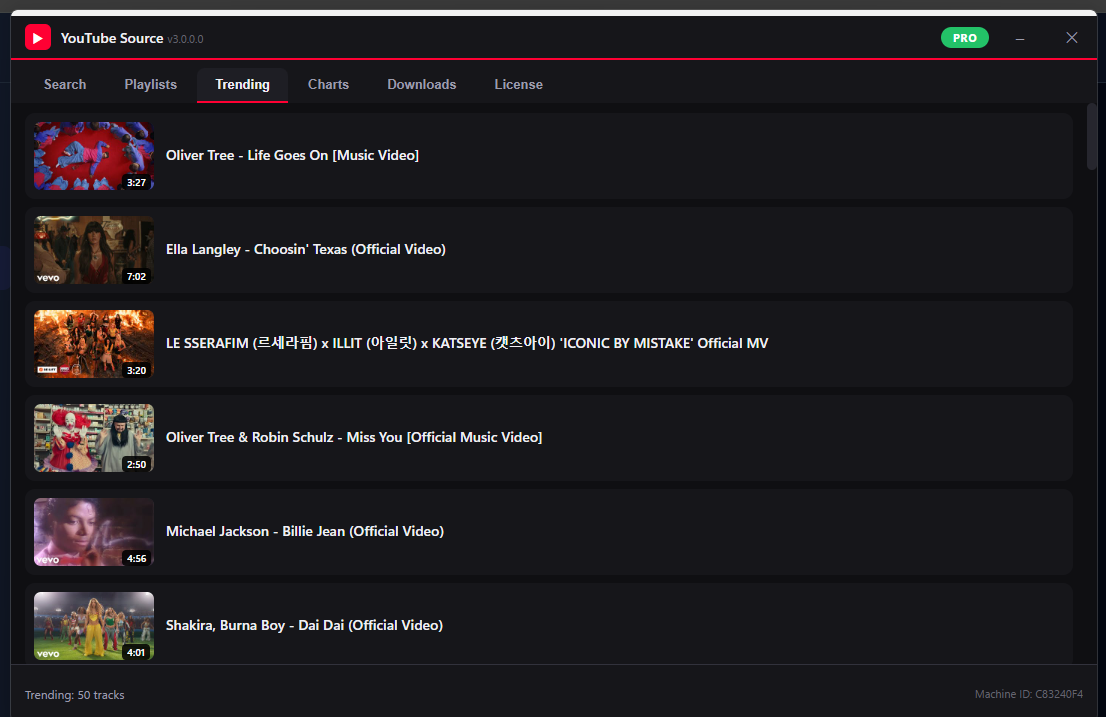
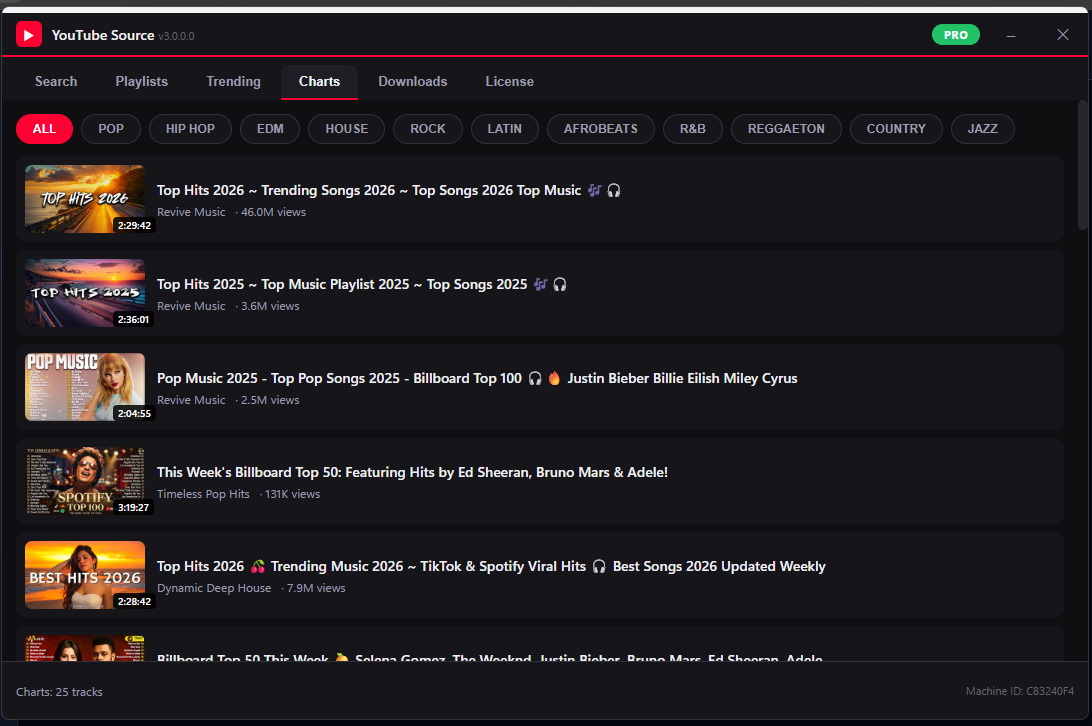
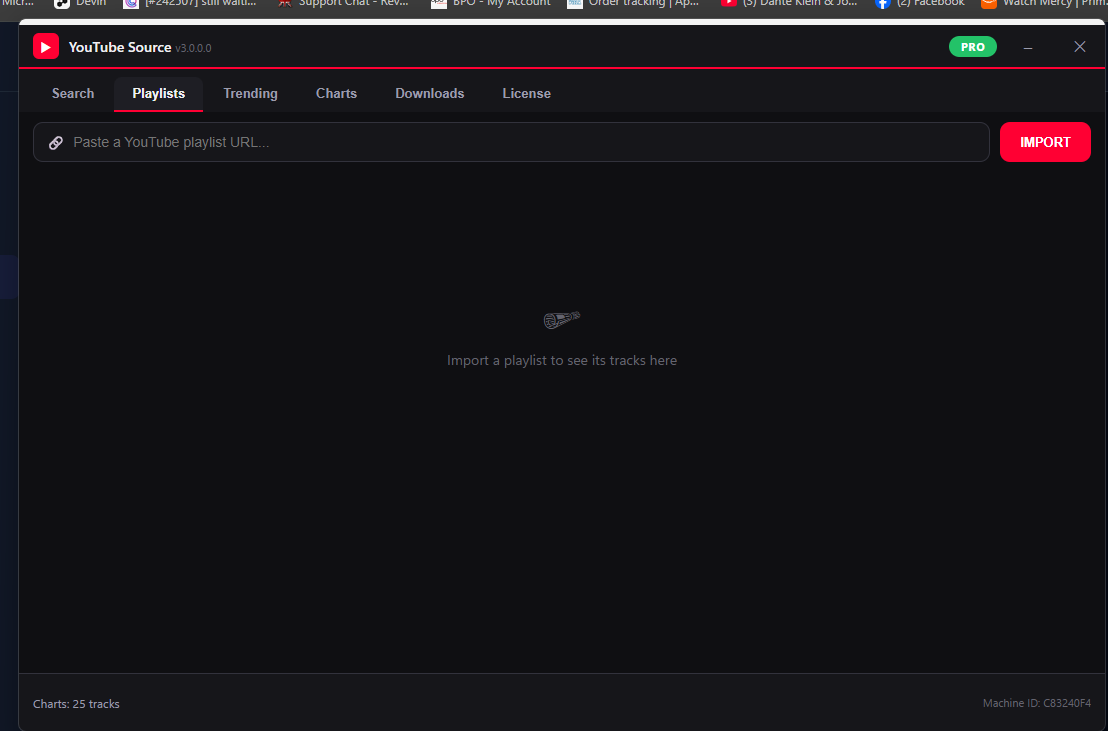
- Brand-new WebView2 interface: thumbnails, result cards, tabs (Search / Playlists / Trending / Charts / History / License)
- YouTube playlist import with "Add all to Automix" and "Download all" batch actions
- Trending and genre Charts browsing, plus persistent search history
- New VirtualDJ sidebar folders: Trending, Charts Top 100, Cached Tracks
- License Manager rebuilt inside the new UI (activate key, marketplace login, live status)
- Engine rewrite: piped yt-dlp processes (no more temp .bat files), JSON parsing, retry with backoff
- Persistent cache index with automatic reconciliation
- yt-dlp automatic self-update (once per 72 hours)
- Legacy Win32 dialog kept as automatic fallback when WebView2 runtime is missing
Remove debug diolog on start
New login added
removed the need for keys
and
REQUIRED
Microsoft Visual C++ Redistributable
Latest supported v14 (for Visual Studio 2017–2026)
https://learn.microsoft.com/en-us/cpp/windows/latest-supported-vc-redist?view=msvc-170
MUST BE INSTALLED
or the license or ui browser will not show up in menu at all
Save 12.0% on Yearly license
-12.0%
Choose Your License
Billed yearly. Best value for regular use.
Have a Discount Code?
Plugin Info
- Version
- vv3.0.0.31 Windows |
- Last Updated
- Jul 13, 2026
- Category
- Online Music
- Downloads
- 35
- Added
- Mar 10, 2026
- OS Support
- Windows, macOS
- Architecture
- 64-bit
- Min VDJ Version
- 2025 or Later